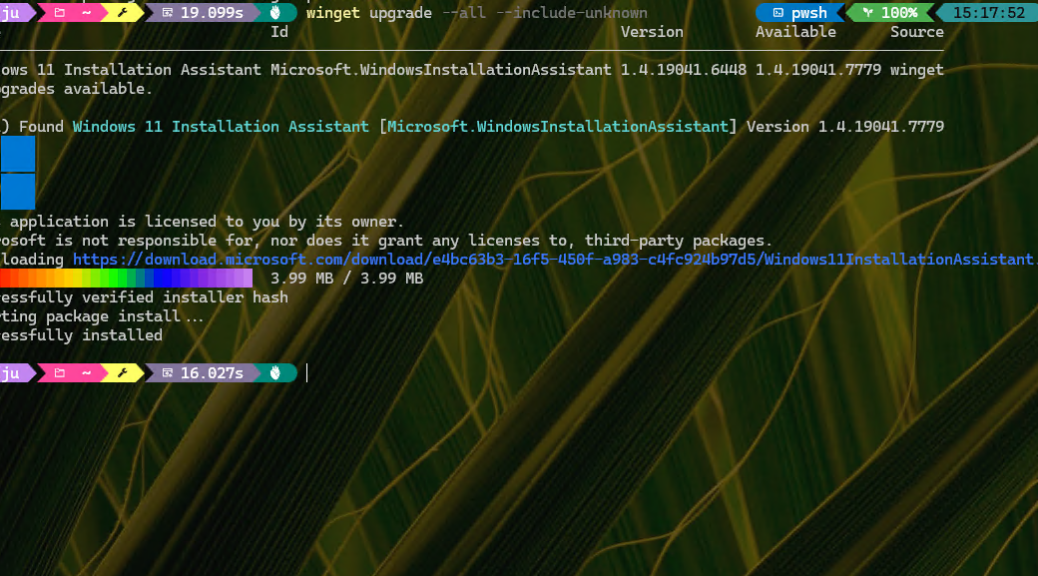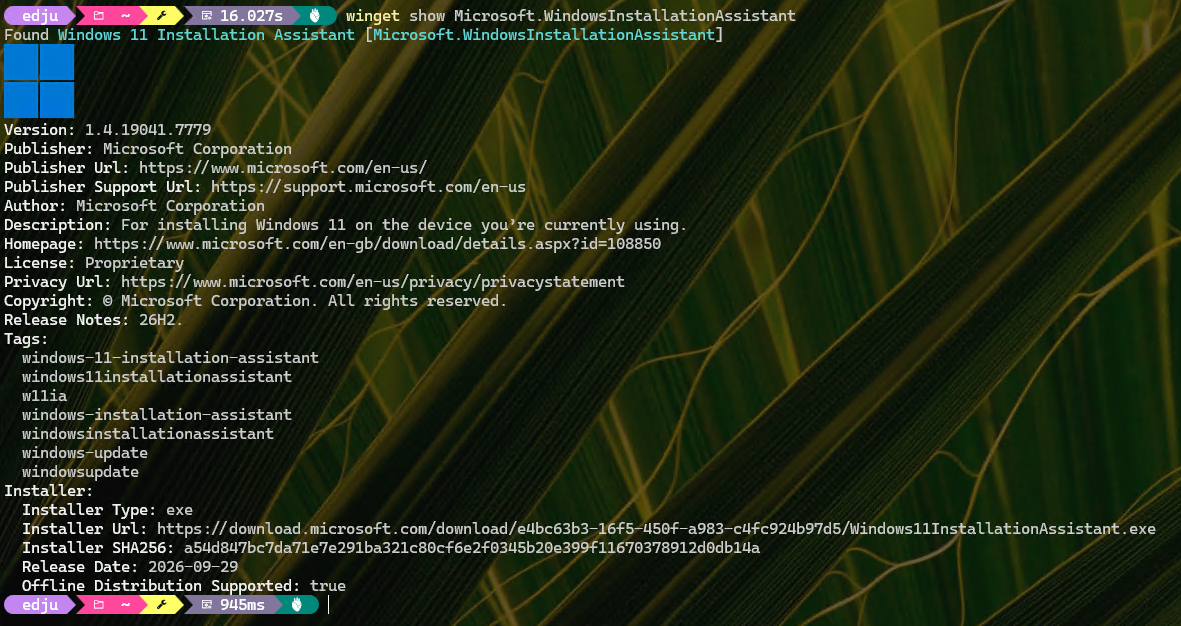



It’s definitely a Monday. I’ve got interesting oddities popping up right and left. Take a look at the intro screenshot. When I run “Check for updates” from the Updates and Downloads tab in MS Store, it sometimes tells me that it itself needs an update, but couldn’t run because the “App was in use” (as shown). Funnily enough, if I close the app then re-open it, that pending update no longer shows but is also missing in the “Recent updates list” below. Thus, MS Store sees update coming, but no longer see it when it’s done. Weird…
Yes: MS Store Sees Update Coming, But No History
I had to ask Copilot what it thought was going on. To my relief, it confirms that indeed this particular self-update goes untracked:
Once the update completes, the Store process reloads into its newly installed package. The Updates & downloads page then refreshes from inside that replacement package. Apparently, the Store does not reliably copy its own completed update into the user-facing Recent updates list.
So it seems to be a case of “Lost in transition” rather than “Lost in translation.” Just another interesting oddity to notice. It doesn’t seem to exact any consequences, as far as I can tell.
Self-Updates Are Almost Always Interesting
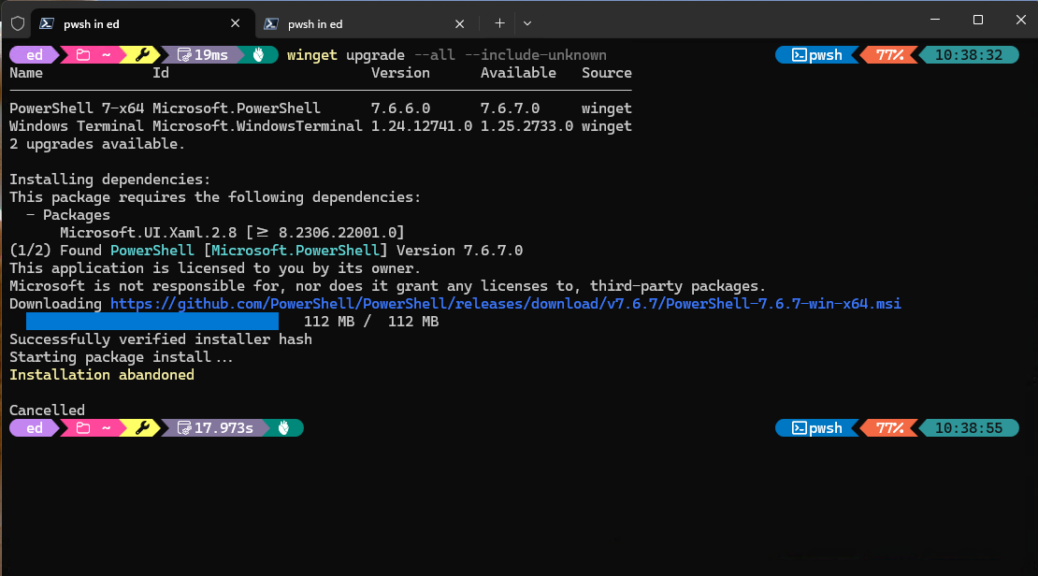
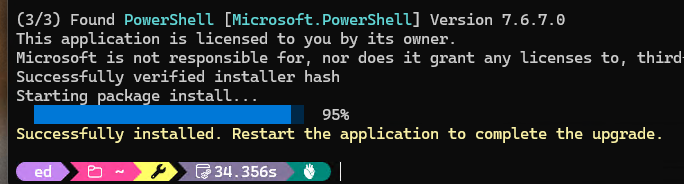
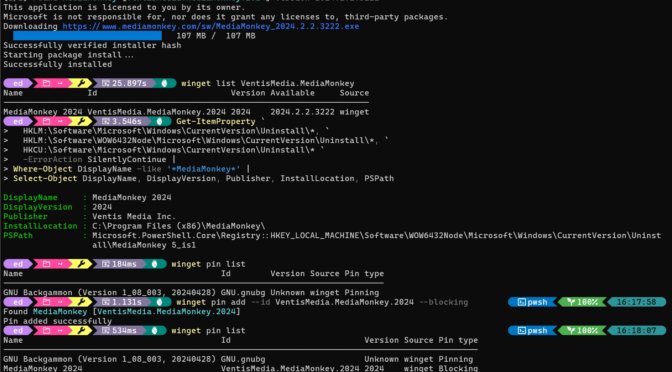
In working with WinGet over the past 6-plus years, I’ve noticed that things get interesting when running packages have to handle their own updates. That’s what I call a self-update. For example, WinGet itself (Microsoft.AppInstaller), PowerShell, and Windows Terminal, all get a little flustered when they themselves handle updates in an active Windows Terminal session.
Usually, the right way to straighten things out is to close them, then re-open them. Sometimes, a reboot may be needed to untangle the thorniest of self-updates. But gosh, this is the first time I can recall that the update history itself drops a stitch and misses its own incremental advancement. That’s odd, even here in Windows-World. But it’s all part of its strange charm…